

Package Delivery Texts: How to Tell If It’s a Scam
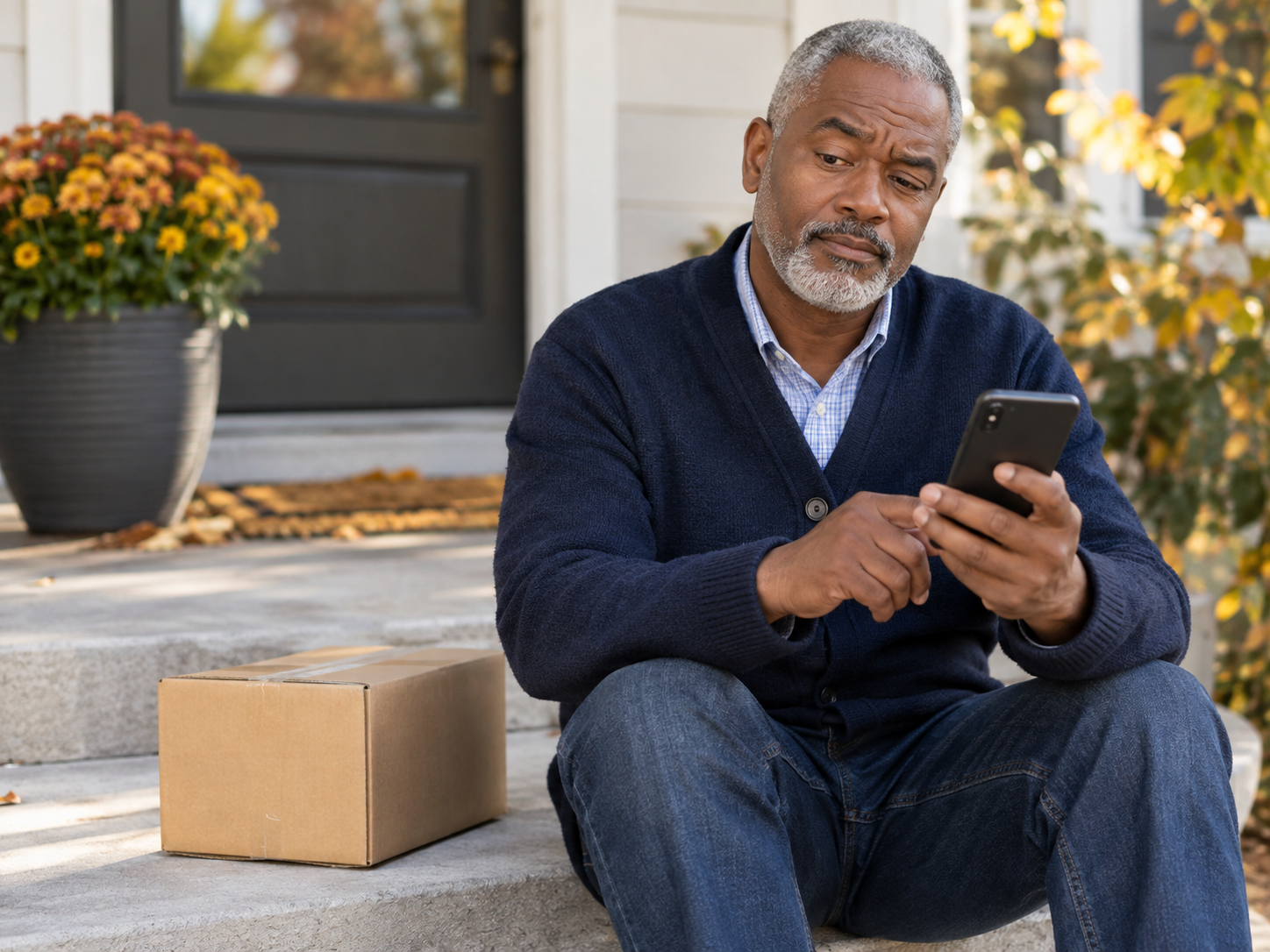
“Your package couldn’t be delivered. Tap here to reschedule.” If you’ve gotten a text like this, you’re not alone. Fake delivery texts are among the most common scams going around, especially in busy shopping seasons, and they work because most of us are waiting on a package or two. Here’s how to tell a fake from the real thing.
How the Scam Works
The text arrives with a link and a short, urgent message. A delivery failed, an address is incomplete, or a small fee is owed. The link opens a page that looks like a real delivery company, asks you to confirm your address, and then asks for your card number to pay a “redelivery fee” of a dollar or two.
The fee is just the bait. The real goal is your card details, your password, or both.
Signs the Text Is Fake
You weren’t expecting a package. If you haven’t ordered anything, there’s nothing to deliver.
It comes from an unfamiliar number or an email address. Real delivery updates rarely arrive from a random long number or a personal looking email.
It creates urgency. “Confirm within 24 hours or your package will be returned” is meant to rush you.
The link looks odd. Shortened links, or web addresses that don’t match the delivery company’s real site, are a red flag.
It asks for money or card details. A real carrier doesn’t usually ask you to pay a fee by text to release a package.
The wording is generic. There’s no name, no order number, and often a few spelling mistakes.
What To Do Instead
Don’t tap the link, and don’t reply. Even replying “STOP” can tell a scammer your number is real.
If you are expecting a package, go to the source yourself. Open the store’s app, or type the delivery company’s website into your browser, and enter the tracking number from your order confirmation. Real carriers generally only text you if you signed up for tracking updates.
Then delete the message. You can also report it by forwarding it to 7726 (it spells SPAM), or by using the Report Junk option on an iPhone or Report Spam on an Android phone.
If You Already Tapped It
Try not to panic. Just opening a page is usually not the problem. The risk comes from entering information.
If you entered card details: call your bank or card company using the number on the back of your card, tell them what happened, and ask about freezing or replacing the card.
If you entered a password: change it on the real website, and change it anywhere else you use the same one.
Either way: watch your statements for charges you don’t recognize, and consider reporting it at reportfraud.ftc.gov.
A Habit That Works Every Time
Never use the link in a delivery text. Go to the store or carrier yourself. It takes ten extra seconds and stops this scam completely.
If you ever want a second opinion on a message that looks off, a Kendera Global session can look at it with you, and help you set up blocking and reporting on your phone, with no judgment.
