
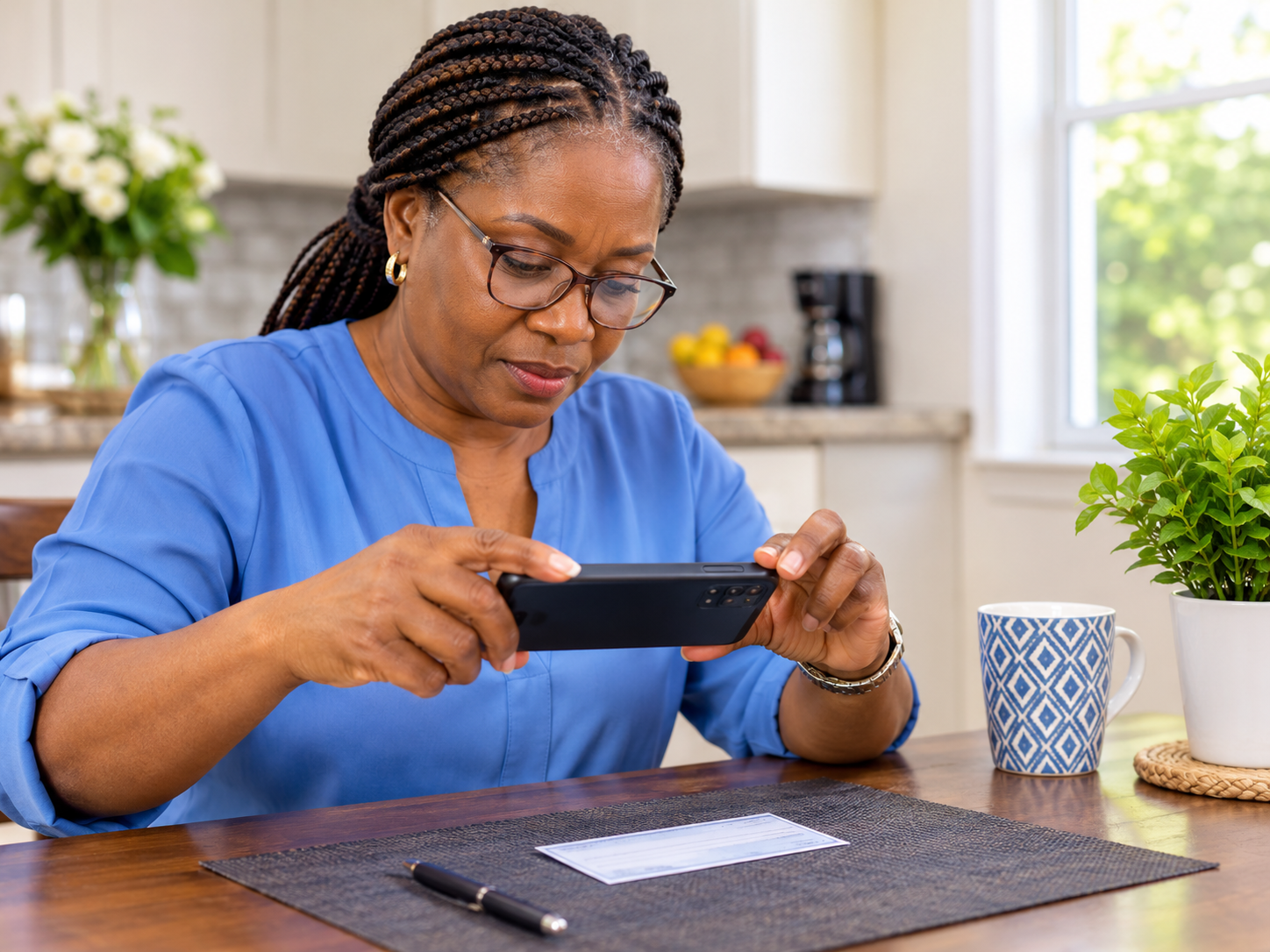
Banking from your phone can save you trips to the branch, long lines and waiting for the mail. You can check your balance, see recent charges, pay a bill and even deposit a check by taking a photo. It’s easier than it looks, and it’s safe when you do it the right way. Here’s how to get started, how to deposit a check, and one scam you really need to know about.
Getting Started
Download your bank’s official app from the App Store or Play Store. Check that the app is from your bank. If you’re not sure, go to your bank’s own website and use the link there.
Sign up (enroll). You’ll usually need your account or card number and some details to confirm who you are, and a code sent to your phone or email.
Create a strong password, and don’t reuse one from another account.
Turn on Face ID or a fingerprint to unlock the app, plus two-step verification if it’s offered.
Turn on alerts for transactions, low balances and sign-ins, so you know right away if something changes.
If you’d rather not do this alone, your bank’s branch can help you set it up.
What You Can Do in the App
Check your balance and see recent transactions
Pay bills and set up payments to people you know
Transfer money between your own accounts
Lock or unlock your debit or credit card, which many banks offer, if your card is lost
Find ATMs and branches near you
Deposit checks with your phone’s camera
How To Deposit a Check From Your Phone
Open the app and tap Deposit (it may say Mobile Deposit or Deposit a Check).
Choose the account where the money should go, and enter the amount exactly as written on the check.
Sign the back of the check. Many banks also ask you to write “For mobile deposit only” under your signature. Check your bank’s instructions.
Place the check on a flat, dark, well lit surface, like a dark table, so the edges are clear.
Take a photo of the front, then the back. Hold the phone steady, keep the check inside the frame, and avoid shadows.
Review the amount and the photos, then tap Submit.
Save the confirmation you receive.
Keep the paper check for a couple of weeks, or however long your bank recommends, until you’re sure the deposit went through. Then destroy it, so no one can deposit it again. Don’t deposit the same check twice, in the app and at the bank.
Banks have limits on how much you can deposit by phone, and the money may not be available right away. Your bank can tell you its rules.
The Fake Check Scam: Please Read This
This scam catches a lot of people, because the check can look completely real.
How it works: Someone gives or mails you a check, and asks you to deposit it and then send some of the money to someone else, often by gift card, wire transfer, a payment app or cryptocurrency. The check may be for a “job,” an “overpayment” for something you sold, a “mystery shopper” test, a prize, a rental deposit or “equipment” for a new job.
The money may show up in your account and look “available.” But that doesn’t mean the check is good. Days or weeks later, the bank discovers it’s fake, and the check bounces. The money you sent to the scammer is gone, and you owe the bank.
The rules:
Never deposit a check from a stranger and then send money back or buy anything for them.
“Available” doesn’t mean “cleared.”
If you’re asked to send back an “overpayment,” it’s a scam. Tell the person to cancel the check.
If you already did it, tell your bank immediately. Don’t send any more money, and report it at reportfraud.ftc.gov.
Stay Safe While Banking on Your Phone
Use only your bank’s official app, and keep it updated.
Avoid public Wi-Fi for banking. Use your phone’s cellular data instead.
Lock your phone with a passcode.
Never share a verification code with anyone who calls or texts you, even if they say they’re from your bank.
Be wary of messages with links that claim to be from your bank. Open the app yourself instead.
Review your statements every month.
Log out if someone else will use your phone.
If Something Looks Wrong
Call your bank right away using the number on the back of your card, and lock your card in the app if you can.
If you’d like help setting up your banking app, or want to practice a deposit with someone beside you, a Kendera Global session can go through it step by step.